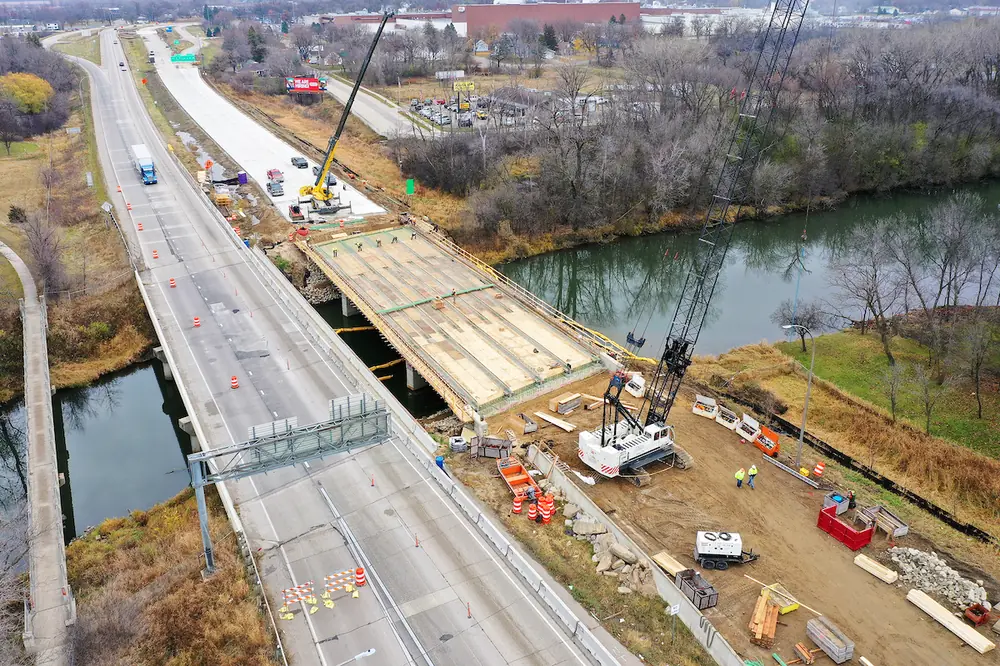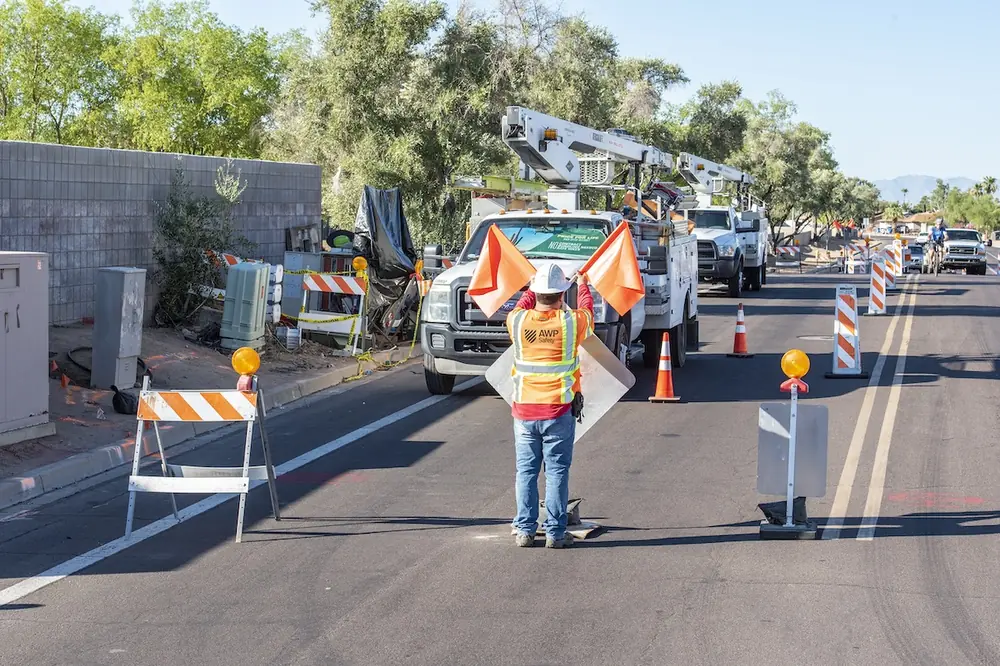
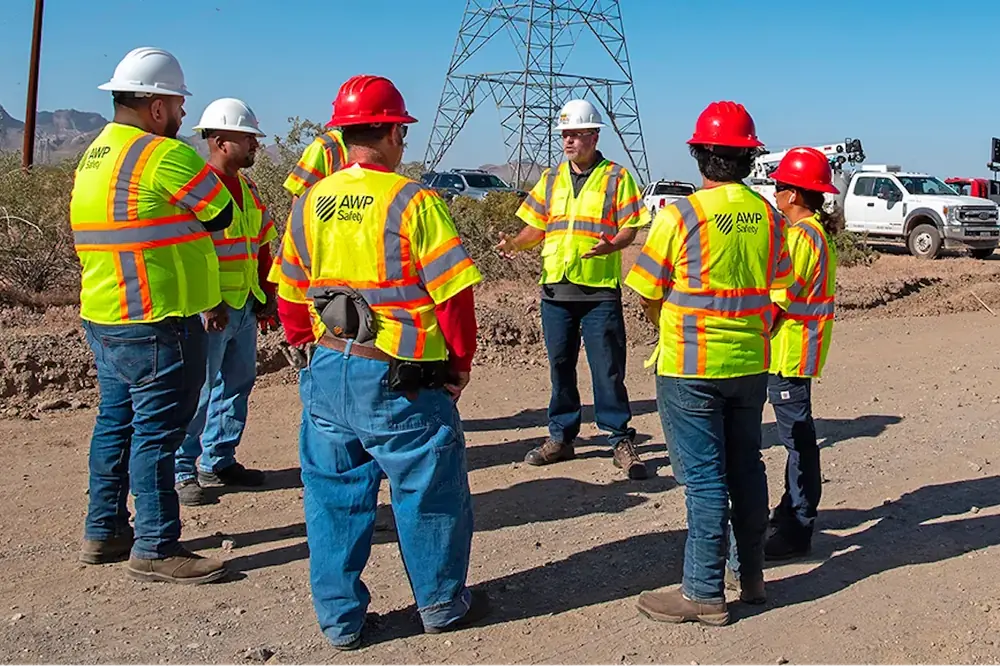

When it comes to work zone planning, most projects lose time in pieces. Maybe a permit comes back with a question. Or a lane closure window is tighter than the schedule assumed. Or the traffic control plan does not match the way crews need to move.
Traffic management cannot sit at the end of the planning process. It has to be part of project strategy from the beginning, then the plan needs to reach the field in a way that crews can actually use. That’s the difference between a project that starts cleanly and one that spends time catching up.
A good work zone plan is part of the construction plan — not an add-on.
Traffic control affects how crews get in, where equipment sits, how trucks move, how pedestrians get around the work, and how much can actually get done during the approved window. Too often, teams ask: “What setup do we need?” The better question is: “Will this setup let the crew work safely and efficiently?”
For instance, the lane closure window may not match the way the work is sequenced, or the staging area may look fine on paper but break down once trucks and equipment arrive. You might have a sidewalk plan that seems workable until a business entrance, bus stop, or school route changes the picture. Other times, the crew can get into the work area safely, but there is no clean way to get out without backing into traffic.
When those details come up early, the team has room to change the sequence, adjust staging, tighten the permit package, or make sure the field understands what has to happen before the first device goes down.
For bigger projects, that means getting construction, traffic control, permitting, safety, field supervision, and the owner on the same page sooner to make sure the plan works for the people who have to follow it.
Permitting usually slows a project for two reasons: the package is incomplete and/or it does not answer the questions the reviewer is going to ask.
A traffic control plan may show the general setup, but not enough detail to approve the work. For example, lane closures are indicated, but the work hours are not clear. Or the detour route is marked, but there is no explanation of how drivers will be guided through it.
The agency may ask for more information about signage, staffing, schedules, detours, access, flagging, queue impacts, and emergency routes. The more comments that come back, the more time can be lost answering questions that could have been addressed sooner.
A permit-ready traffic package should tell one clear story: what work is happening, when it is happening, how traffic will move, how workers and the public will be protected, and what will happen if conditions change.
That means including these practical pieces:
- Lane closure needs — which lanes will close; when closures begin and end; and whether shoulder, turn lane, or rolling closures are involved.
- Work hours — approved work windows, night or weekend restrictions, and any limits around peak traffic periods.
- Device types and quantities — signs, cones, barrels, barricades, message boards, attenuators, and other channelizing or traffic calming equipment.
- Pedestrian accommodations — temporary routes, ADA access, crossings, bus stops, and clear separation from the work area.
- Emergency access — how police, fire, and emergency medical services can move through or around the work zone if needed.
- Detour information — route maps, advance warning signs, driver guidance, and impacts to nearby roads or intersections.
- Staging notes — where crews, trucks, equipment, and materials will be placed without blocking access or creating new hazards.
- Contact information — who the agency, contractor, traffic control team, and field supervisor should call when questions or changes come up.
- Any local requirements — notification windows, agency-specific forms, school or business access rules, and inspection expectations.
A strong package does not guarantee a permit will move through without delay, but it gives the reviewer fewer reasons to pause. It also keeps permitting connected to the way the job will actually be built.
Standardization can save time if teams are specific about the parts of the job that should not have to be reinvented every time.
For common scopes, that can mean prebuilt setup templates, standard device lists, typical crew sizes, inspection steps, photo requirements, closeout steps, and escalation triggers. It can also mean having a routine way to package the job for permitting.
Standardization should also make it easier to spot drift. If a supervisor knows what the work zone setup should look like, it is easier to see when something is off, such as a stale sign that does not reflect actual conditions, a cone line that shifted, or a buffer space now being used for storage. Standardization helps clear away repetitive decisions so crews can focus on the conditions in front of them each day.
When the field team gets a stack of documents but not the practical information needed to start well, it can create a slow shift as people make calls, wait for answers, or try to interpret the plan while traffic is already moving around them.
A better approach is to give crews a package that answers the questions they will ask first:
- Where do we stage?
- Where do trucks enter and exit?
- What is the approved work window?
- What devices are required?
- What parts of the setup must be checked before work starts?
- What permit conditions apply?
- Who gets called if conditions do not match the plan?
- What would cause us to pause and reset?
This does not need to be complicated. In fact, it should not be. The best package is clear, short, and field-ready. It should feed directly into safety briefings so crews understand the setup, the risks, and what needs to happen before the first device goes down.
Digital planning tools can help organize work zone details and reduce manual rework. Mobile forms can assist crews in documenting site conditions, photos, device issues, and setup changes. Dashboards can help managers see upcoming work, crew needs, equipment gaps, and permit status before they become urgent.
Connected work zone tools add another layer. Queue warning systems alert drivers before they reach slowed traffic. Portable cameras help teams see backups or problem areas. GPS-enabled devices can show when equipment has moved or been struck. Work zone data can also help inform drivers and navigation systems before vehicles reach the work area.
The point is to help people find information faster, catch missing details, and spend less time repeating low-value steps. But technology is not a replacement for field experience.
If a queue builds faster than planned, someone still has to decide what to do: extend advance warning, update the message board, adjust the closure timing, add a spotter, or escalate to the agency. If drivers are missing the merge, someone has to check sign placement, sight distance, taper length, and whether the work area is creating confusion. If a device keeps getting hit, the team needs to ask why it is happening.
Used well, digital tools can give crews and supervisors more time and insight to make safer decisions.
The best way to shorten lead times is to avoid compressing every step at the end. Bring traffic control into planning early, build permit packages that answer the real questions, standardize the work that repeats, give crews field-ready start packages, and use technology to spot friction sooner.
Better starts come from better planning — and better planning helps crews spend less time sorting out the job and more time working safely.
Michelle Marsh is Senior Vice President of EHS at AWP Safety.